You have deleted Instagram four times. That is not a willpower problem — it is a design mismatch. Deleting an app removes the icon. It does not remove the cue, the urge, the account, the people you talk to on it, or the twenty small empty moments a day the app used to fill. So the reflex survives, meets a gap, and finds that reinstalling takes about thirty seconds — a delay that stops a bored reach and does absolutely nothing to a determined one. Then the guilt arrives, which is the part that actually does damage.

What deletion actually changes
It is worth being precise about what you did and did not remove, because the confusion is where the self-blame comes from.
| Still there after deleting | Actually removed |
|---|---|
| Your account, followers, and DMs | The icon on your home screen |
| The habit loop and its trigger | Push notifications |
| The empty moments it filled | Background refresh |
| Your saved login | About 30 seconds of convenience |
| Everyone you talk to on it | Nothing else |
Look at that ratio. You changed one column and left the other intact, then judged yourself for the result. Deletion is a real intervention — it is just a friction intervention, and friction has a known ceiling.
Why thirty seconds is not enough
The 20-second rule says adding about twenty seconds of effort is usually enough to stop a habit. That is true, with an important qualifier: it stops automatic behaviour.
Most phone use is automatic. The hand moves, the thumb finds the corner, the app opens — no decision is made anywhere in that chain. Deleting the icon breaks the chain reliably, which is why the first three or four days after a deletion feel great.
Then a different kind of moment arrives. You are bored on a Sunday, or avoiding something at work, or feeling low at 23:00. This reach is not automatic; it is motivated. And thirty seconds means nothing to motivation. You will happily wait thirty seconds. You would wait five minutes.
That is the entire mechanism. Deletion is calibrated for the reflex and you relapse during the craving. Nothing about you is broken.
“I deleted TikTok on a Sunday feeling really pleased with myself, and reinstalled it the following Thursday at midnight after a bad day at work. Then I did that same loop about six times. What actually stopped it was realising I never once reinstalled on a good day.” — Aylin, junior doctor, 26
The reinstall loop has a real cost
Repeating the cycle is worse than never deleting at all, for three reasons.
It trains the reinstall. Do it five times and reinstalling becomes its own smooth, familiar ritual. You are not breaking a habit; you have added a step to it.
It teaches you that you cannot. Each round produces evidence for the story “I have tried and I can’t”, which is a far more expensive belief than any amount of screen time. It is not true, but it is what repeated visible failure builds.
It resets your feed to maximum aggression. Reinstalling produces a fresh, hard-selling onboarding: notifications requested again, the algorithm working to re-engage a lapsed user. The app you come back to is not the app you left.
How to make it stick
Five changes, roughly in order of how much difference they make.
1. Make undoing it slower than the urge. This is the whole principle. Urges have a short half-life — usually minutes. Any barrier that outlasts the craving wins, and any barrier you can clear in thirty seconds loses. In practice that means blocking the app or the App Store during the windows you actually relapse in, so reinstalling on impulse is not available at 23:00 even though it is available at 11:00.
2. Do not save the login. Delete the password from your keychain and log out everywhere first. Now a reinstall requires a password reset email, and that is roughly a five-minute barrier rather than a thirty-second one. Five minutes outlasts most cravings.
3. Give away the key. A partner or friend holds the Screen Time passcode. This is the oldest commitment device there is, and it works because it makes your future self unable to overrule your present self. More on the mechanism in commitment devices.
4. Keep the account, lose the app. Do not deactivate. Deactivation creates real costs — lost messages, missed work — and those costs are exactly what justify the reinstall. Keep the account reachable in a browser and nothing breaks, so nothing forces you back. This is the single change most likely to convert a four-time deleter into a permanent one.
5. Fill the gaps deliberately. Friction creates a vacuum, and a vacuum gets filled by whatever is nearest — which is usually another app. Decide in advance what goes in those twenty moments: a book in your bag, a walk, a call to someone. See things to do instead of scrolling.
Track relapses instead of hiding them
Counterintuitive but effective: write down the reinstall. Date, time, and one line about what was happening. Not as penance — as data.
Almost everyone who does this finds a tight pattern within a fortnight. Reinstalls cluster around specific states: a particular evening, after a difficult conversation, on the second night of a bad sleep run, when a piece of work is stuck. Once you can name the trigger, you can prepare for it, which is something a generic rule about screen time can never do. This is what implementation intentions are for: “If I am about to reinstall, then I go for a ten-minute walk first and decide afterwards.”
Most people who try that find the walk ends the matter about half the time. Half is a very good hit rate for something free.
What a successful version looks like
Not zero. A realistic durable end state is: the app is not on your phone, your account is alive, you check it deliberately from a laptop or browser once or twice a week, and a reinstall would require a password reset you are not going to bother with at midnight.
That is not abstinence and it is not failure. It is the app going back to being something you use on purpose. If you have deleted something four times, you do not lack discipline — you have proved four times that you want this. You have been applying a thirty-second solution to a five-minute problem.
How does Unscrol help?
The free version of this article is genuinely most of it: log out, delete the saved password, keep the account, plan the gaps. Do those first.
Unscrol addresses the one piece you cannot do to yourself — making the reversal slower than the urge. It is an iPhone and Apple Watch app built on Apple’s Screen Time frameworks, so its blocks are enforced by iOS rather than by a cosmetic overlay you can swipe away.
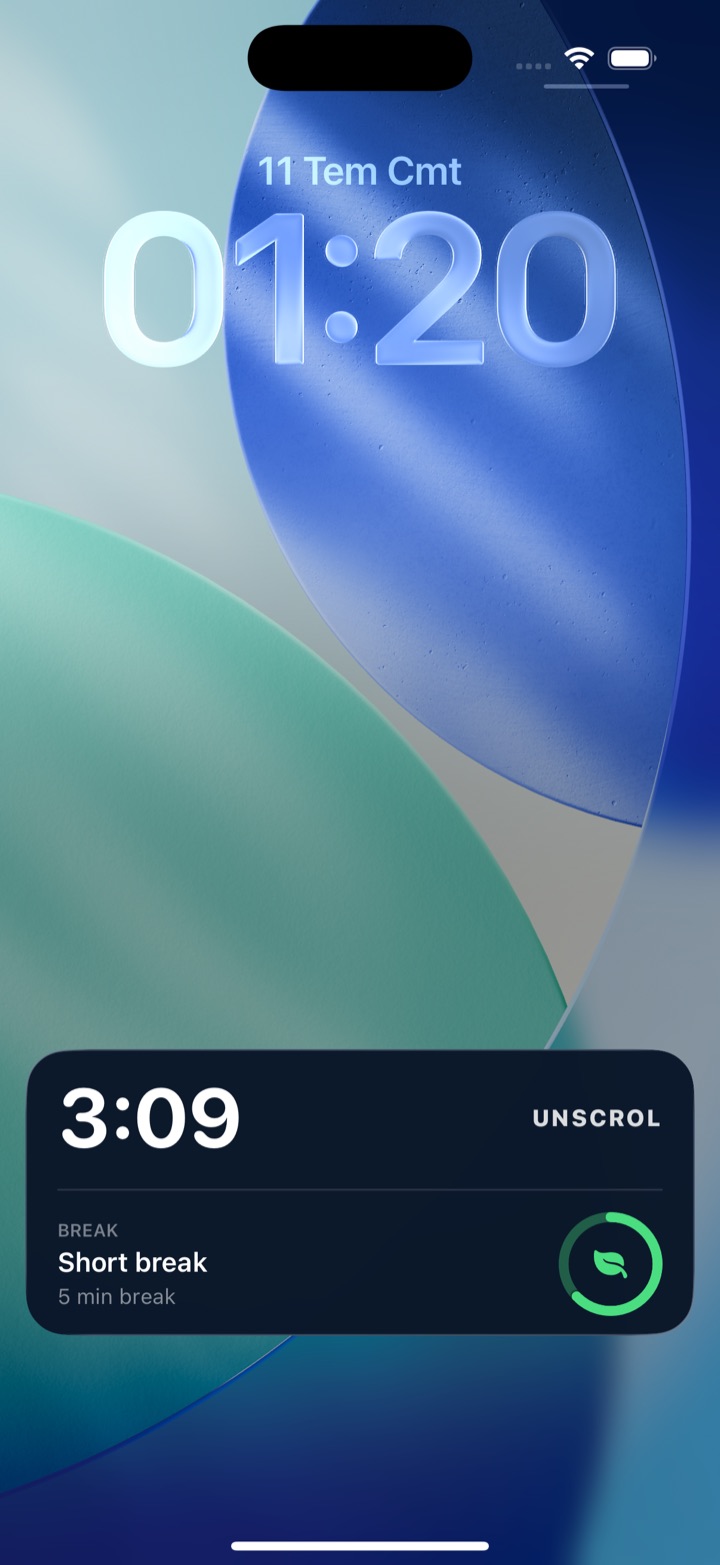
Scheduled blocks shield chosen apps and categories during the windows where relapses actually happen — evenings, late nights, work hours — so the decision belongs to the version of you who set it this morning. When something genuine comes up, a short deliberate take-a-break bypass exists instead of a one-tap dismissal, which is the difference between a considered exception and a reflex. A unified daily streak grows on any day you do a quick mood or urge check-in or finish one of 45+ challenges, and the check-in doubles as the relapse log described above: a record of what was happening, not just what you did. Block lists and usage data are processed on-device by iOS and never reach Unscrol’s servers. Free to download; the optional Pro tier adds a Streak Saver that rescues a single missed day, twice a week — because one bad night should not end a month of work.
Frequently asked questions
Why do I keep redownloading apps I deleted?
Because deleting an app removes the icon but leaves everything that produced the habit intact — the cue, the urge, the account, the friends who are on it, and the empty moments the app used to fill. Deletion adds about thirty seconds of friction, which is enough to stop an automatic reach but not a motivated one. When a genuinely bored or anxious moment arrives, thirty seconds costs nothing, and the App Store even remembers your login. The reinstall is not a failure of willpower; it is the predictable result of changing the phone without changing anything else.
How do I stop reinstalling social media apps?
Make reinstalling slower than the urge that causes it. The urge to check has a short life, usually a few minutes, so any barrier that outlasts it wins. Practical versions include blocking the App Store or the app itself during set windows so a reinstall cannot happen on impulse, logging out and deliberately not saving the password, and giving the passcode that controls your limits to someone else. Equally important is filling the gaps the app used to occupy, because friction alone creates a vacuum and a vacuum gets filled by whatever is nearest.
Is deleting an app pointless then?
No, deleting is genuinely effective for the automatic half of the problem, which is most of it. Most phone use is not a decision — it is a reflex triggered by a boring moment and executed before you notice. Removing the icon breaks that reflex reliably. What deletion cannot do is stop a deliberate reach during a low mood or an avoided task. So deletion is the right first step and a poor last one. Pair it with something your motivated future self cannot instantly undo, and the same action becomes durable.