There is no medical threshold that flips healthy screen time into “too much.” Researchers don’t measure your hours against a magic number. They judge screen time by what it displaces (sleep, movement, real-world relationships) and how it makes you feel afterward. Two people can each spend five hours a day on their phones: one is running a business and messaging friends, the other is doom-scrolling until 2 a.m. and waking up anxious. So the honest answer is uncomfortable but useful: if you’re already asking whether your screen time is too much, some part of you has probably decided that it is — and that instinct usually beats any threshold you’ll find on the internet.

So what’s the average — and where do you land?
Numbers help you place yourself, even if they can’t judge you. Global reports consistently put the average adult’s total screen time around six to seven hours a day, with phone-only use somewhere near three-and-a-half to four-and-a-half hours — though these figures are self-reported, vary a lot by country and age, and are genuinely contested. Treat them as a rough map, not a verdict. (For a deeper breakdown, see our average screen time statistics explainer.)
Turkey is a useful example of how averages mislead: it routinely lands near the top of European rankings for daily social-media and phone use, which means a “normal” Turkish number would look alarming elsewhere. Average is not the same as healthy. The average adult is also sleep-deprived and sitting too much — you don’t want to benchmark against that.
Is 7 hours of screen time bad?
Seven hours is above average, but the total hides the thing that actually matters: passive versus active use. Research consistently suggests that endless, passive consumption — scrolling feeds, autoplay video, refreshing the same three apps — tracks with worse mood and attention than active use like messaging people you know, creating, learning, or navigating. Same minutes, very different effect on you.
Here’s a rough way to read your own total. These aren’t health limits — no such limits exist for adults — just what the hours tend to signal:
| Daily phone use | What it usually means | What research points to |
|---|---|---|
| Under 2 hours | Mostly tools and messaging | Rarely a problem on its own |
| 2–4 hours | Around or below average | Fine if it isn’t cutting into sleep or movement |
| 4–6 hours | Above average | Worth auditing the passive-scroll share |
| 6+ hours | Heavy use | Very likely displacing sleep, focus, or relationships |
The lesson isn’t “get under X hours.” It’s that the same number can be healthy or harmful depending on what it’s made of. A freelancer who lives in messaging and maps at six hours is in a different position than someone who spends four hours a night on short-form video and can’t focus the next morning.
What are the real signs your screen time is too much?
Forget the total for a second and look for these instead:
- Sleep debt. You planned to sleep at 11 and it’s 1 a.m. because “one more video.” Phones and sleep are deeply tangled — we cover the mechanism in screen time and sleep.
- Phantom checks. You unlock your phone with no notification, no goal, and no memory of deciding to. This is the clearest tell that a habit is running you, not the other way around.
- Abandoned hobbies. The book, the gym, the guitar, the side project — not dramatically quit, just quietly crowded out.
- Shrinking attention. You reread the same paragraph, or a 20-minute video feels long. If focus feels harder than it used to, that’s worth taking seriously; see attention span statistics.
- Guilt afterward. The single most honest signal. If you feel worse after a session more often than better, your gut has already answered the question.
“I told myself two hours, maybe. Then I actually looked: five hours and forty minutes a day, and almost all of it was Reels I couldn’t even remember watching. It wasn’t the number that got me — it was realizing I’d ‘run out of time’ to read all year while spending 40 hours a week on autopilot.” — Daniel, 31, product designer
If two or more of those signs land, the hours are beside the point. It’s already too much for the life you actually want.
How do I run an honest screen-time self-audit?
The gap between what you think you use and what you actually use is the whole exercise. Most people underestimate, often by close to half. Do this once, honestly:
- Guess first. Before you look at anything, write down your daily estimate. Commit to a number.
- Check the real figure. On iPhone, open Settings → Screen Time → See All App & Website Activity and read your weekly daily average. Sit with the gap.
- Split passive vs active. Look at your top apps. Roughly, how much is scrolling and video versus messaging, work, and tools? The passive share is your real target.
- Name what it displaced. For your heaviest app, finish this sentence: “If I got this hour back, I’d ______.” If you can’t answer, that’s information too.
- Rate the after-feeling. For a few days, note whether each long session left you better or worse. Patterns show up fast.
Do this and you’ll stop asking “how much is too much for people” and start answering “how much is too much for me” — which is the only version of the question that matters. If the honest total rattles you, our guides on how to reduce screen time and why screen time limits don’t work are the natural next steps.
How Unscrol helps you find your own number
You can do most of this with Apple’s built-in Screen Time for free, and you genuinely should — it holds your real weekly average, per-app breakdowns, and basic App Limits with no extra app required. The catch is consistency: Apple’s own limits ship with an “Ignore Limit” button, so on a tired night the wall is one tap away, and the weekly report is easy to glance at and forget.
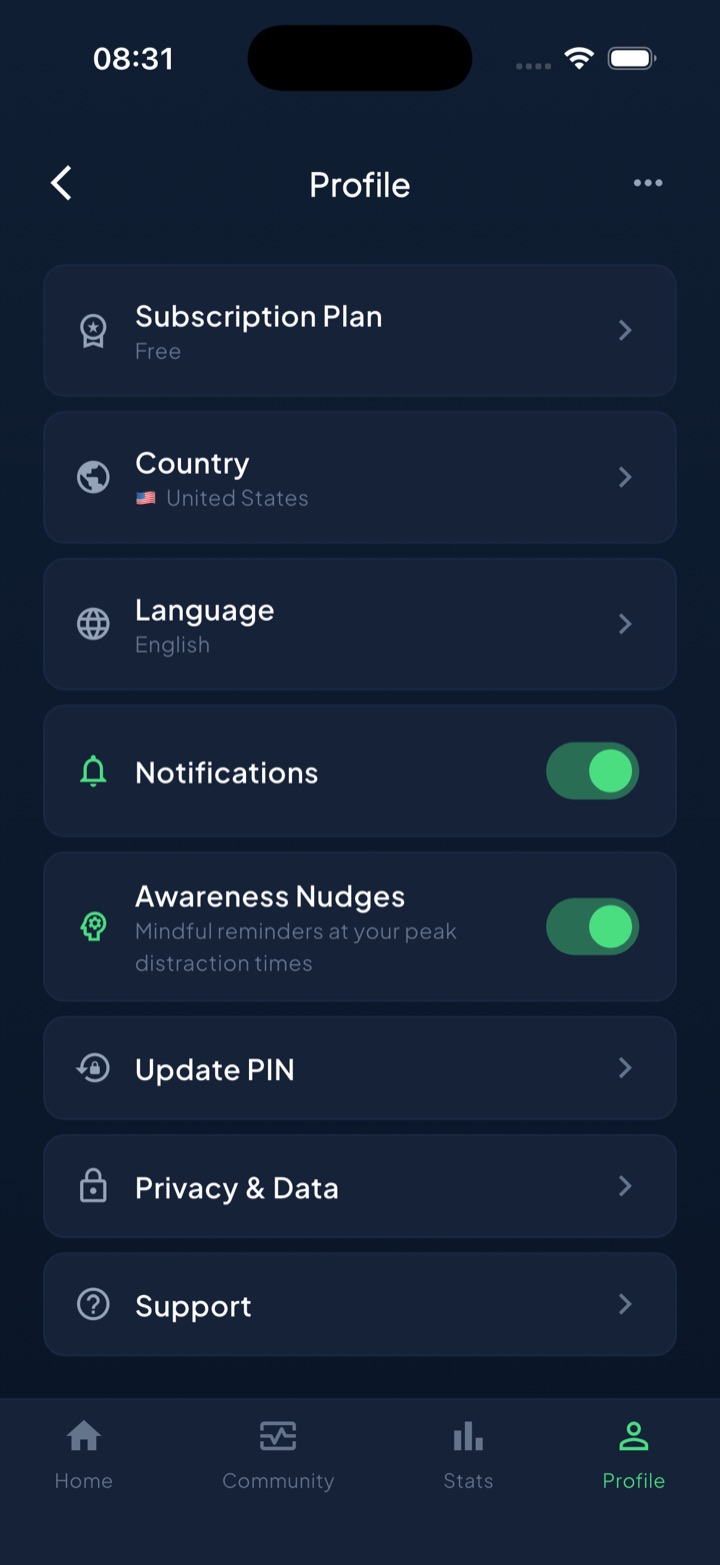
Unscrol is built for the follow-through. It turns your audit into honest guess-vs-real reports so the gap stays visible instead of forgotten, and lets you set scheduled blocking routines (say, no social from 22:00 so “one more video” can’t steal your sleep) using Apple’s official Screen Time frameworks — real system-enforced shields, with a short, deliberate “take a break” bypass for the moments you truly need it, rather than a brittle all-or-nothing lock. A daily streak and quick mood check-ins turn “spend less time” from a vague wish into a habit you can actually see building. Which apps you block and your usage numbers are processed on-device by iOS and never touch our servers. The number that’s “too much” is yours to define — Unscrol just helps you hold the line you drew.
Frequently asked questions
Is 7 hours of screen time a day bad?
Seven hours isn't automatically bad, but it's well above the global adult average and worth examining. What matters is the makeup of those hours. If most of it is passive scrolling that eats into your sleep, exercise, or face-to-face time, seven hours is likely displacing things you value. If a big share is work, video calls, navigation, and messaging people you love, the number alone tells you little. Check your weekly average in Settings, split it into passive versus active use, and notice how you feel afterward. The feeling is a better signal than the total.
What is a healthy amount of screen time for adults?
There is no official medical limit for adult screen time. The WHO and AAP publish guidance mainly for young children, not grown-ups, so any specific adult number you see online is someone's opinion, not a clinical threshold. A healthier way to judge it: does your phone use protect your sleep (roughly seven to nine hours), leave room for movement and real relationships, and leave you feeling okay rather than guilty? If yes, your total is probably fine. If your use consistently crowds those out, it's too much for you regardless of the exact hours.
How do I know if my screen time is too much?
Watch for four signals, not a number. First, sleep debt: you stay up scrolling and wake up tired. Second, phantom checks: you reach for your phone with no notification and no reason. Third, abandoned hobbies: books, workouts, or side projects that quietly stopped. Fourth, guilt: you feel worse after a session, not better. If two or more of these ring true, your screen time is likely too much for your own goals, even if the hours look average. Start by comparing your honest guess to your real weekly total in Settings.