The average person loses 4+ hours a day to mindless scrolling. Unscrol blocks the apps that steal your attention, protects your study and work sessions, and turns quitting the scroll into a streak you'll actually want to keep.
Free to start · iPhone & Apple Watch
Feeds are engineered by thousands of engineers to keep you scrolling. Willpower alone is not a fair fight — you need a system.
average daily screen time spent on phones worldwide — over 70 full days a year.
the average user touches their phone thousands of times per day, mostly on autopilot.
how long it takes to fully refocus after a single "quick check" of your phone.
Not just another timer. Unscrol combines real app blocking, honest screen time data, and habit science in one app.
Pick the apps that eat your day and Unscrol shields them using Apple's Screen Time technology. When you try to open them, a calm wall reminds you why you quit scrolling.
First, guess how much you scrolled today. Then see the real number. That gap is why Unscrol works — it replaces vague guilt with data you can act on.
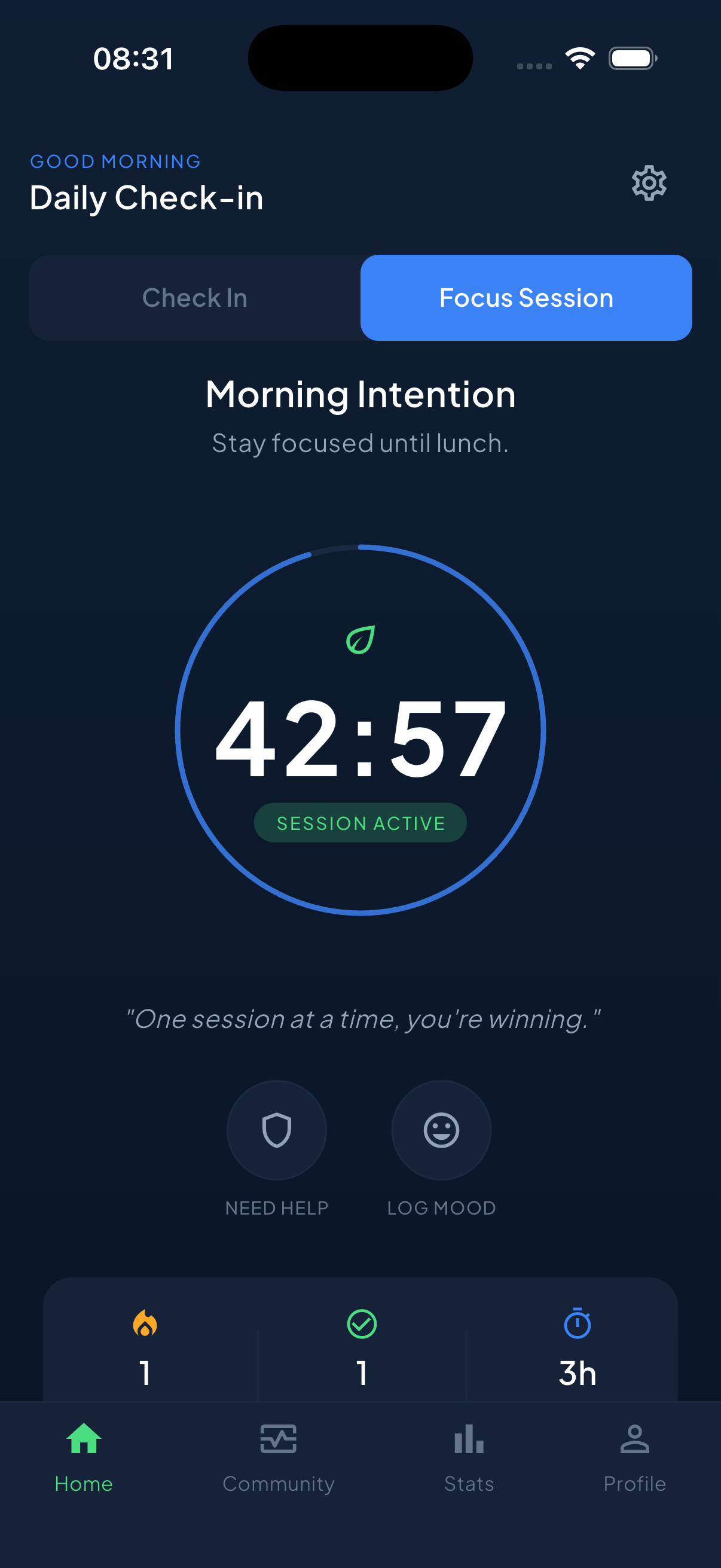
Studying for an exam? Deep in work? Start a focus session and Unscrol blocks your distraction apps until you're done — with a Live Activity countdown on your Lock Screen so leaving your phone alone feels like winning.
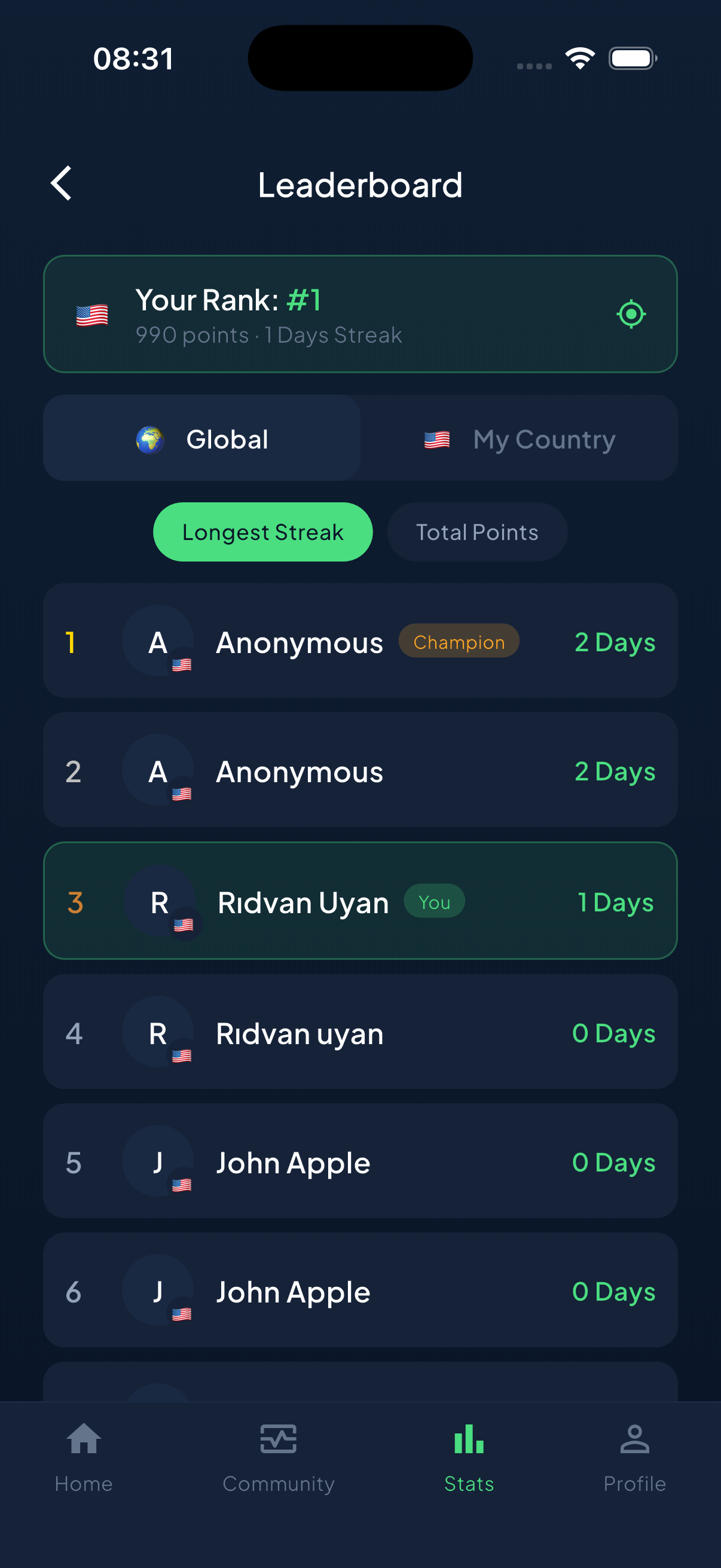
Every day you check in, focus, or complete a challenge keeps your streak alive. Miss a day? A Streak Saver can rescue it. 45+ challenges turn less scrolling into a game you play against your old self.
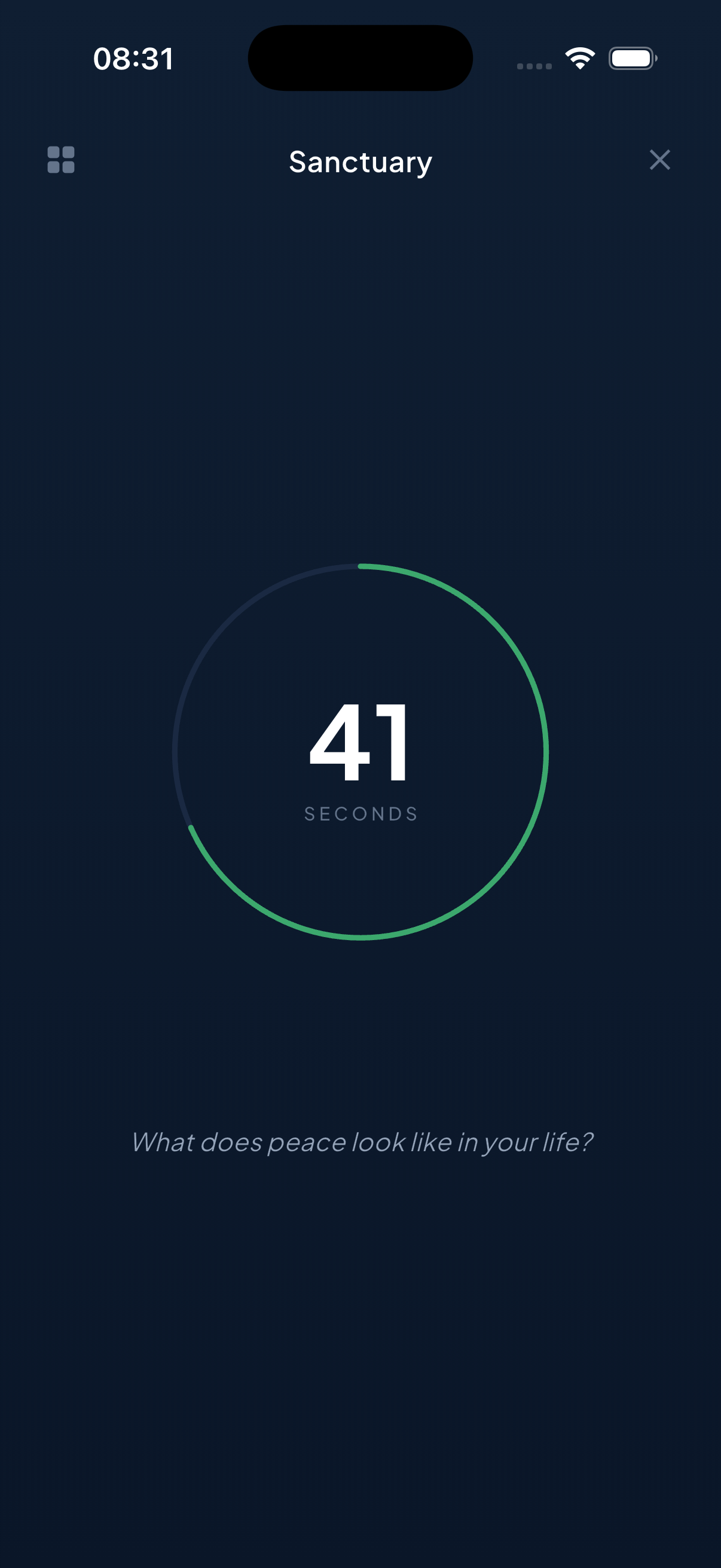
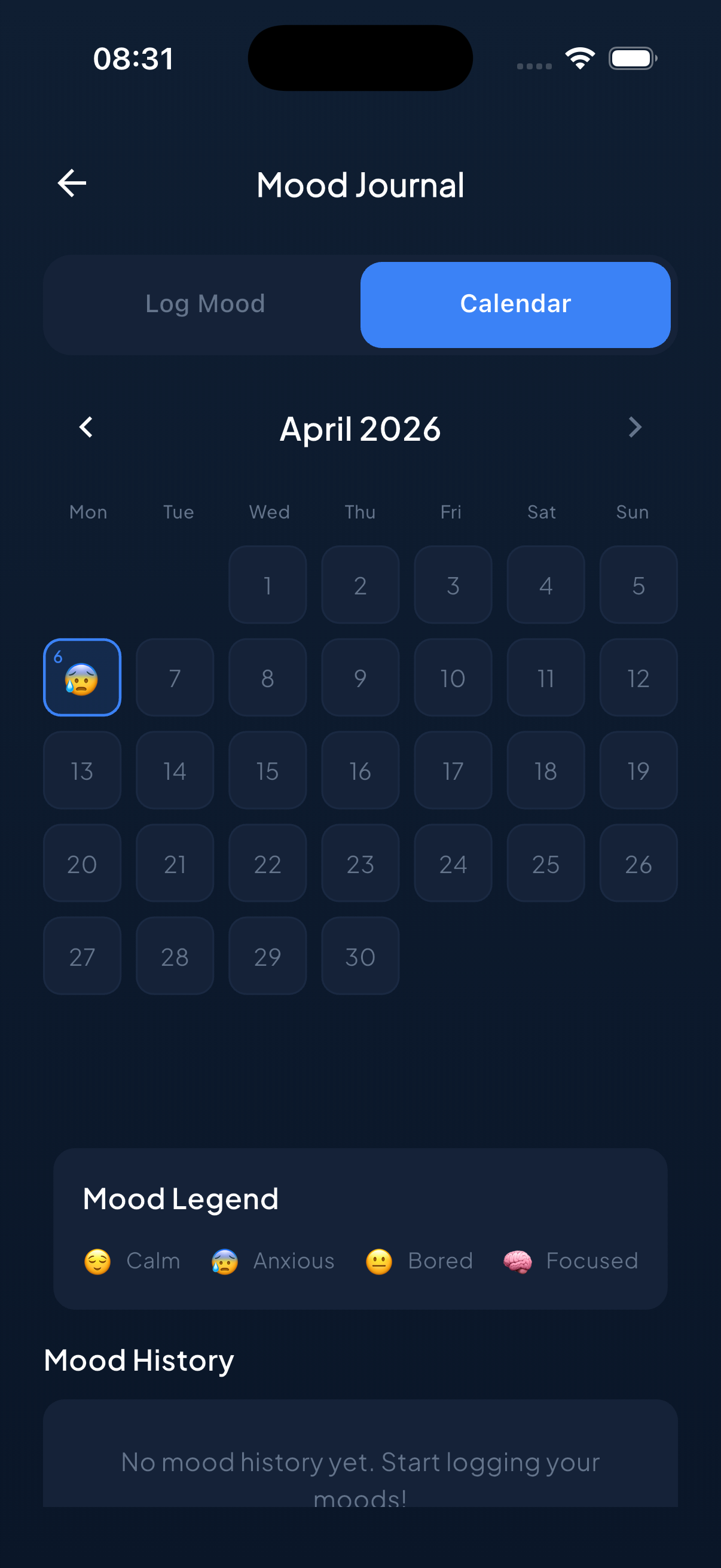
Log the moment you feel the pull to scroll and what triggered it. Track your mood as your screen time drops. Watch the correlation appear: less scrolling, better days.
Your streak, focus timer, and daily progress live on your Apple Watch and home screen widgets — so staying accountable doesn't require opening your phone (which is the whole point).
You sit down to study. Ten minutes in, a notification — and 40 minutes vanish into a feed. Unscrol was built to break exactly this loop.
Choose your duration — a 25-minute pomodoro or a 3-hour deep-work block.
Instagram, TikTok, YouTube — whatever you picked is shielded until the session ends.
A Live Activity counts down on your Lock Screen. Finish, log the session, grow the streak.
Three habits, five minutes a day. That's the whole system.
Guess your screen time, then see the truth. Unscrol shows your honest daily and weekly usage — most people underestimate by hours.
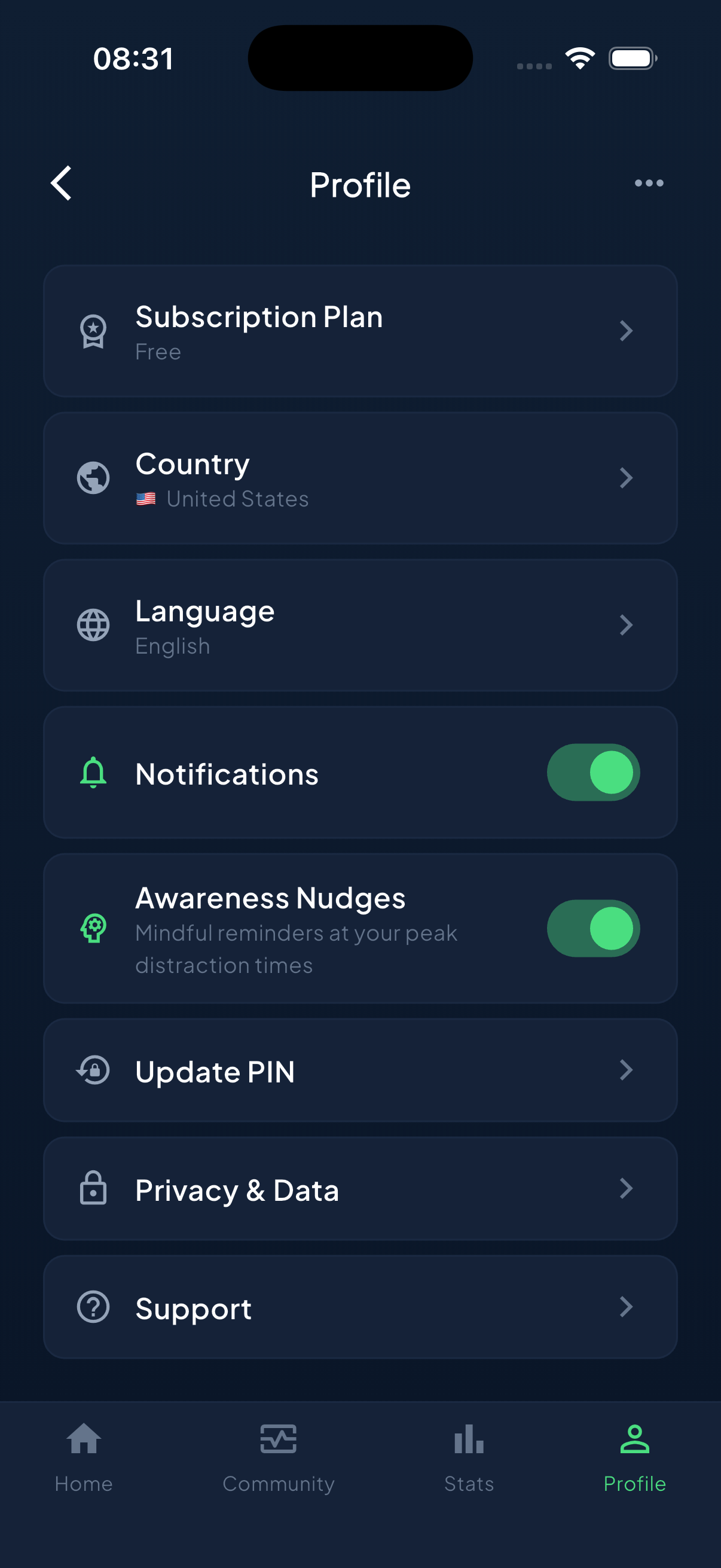
Shield your distraction apps during focus sessions, study time, and evenings. Apple's Screen Time technology does the enforcement, so it actually holds.
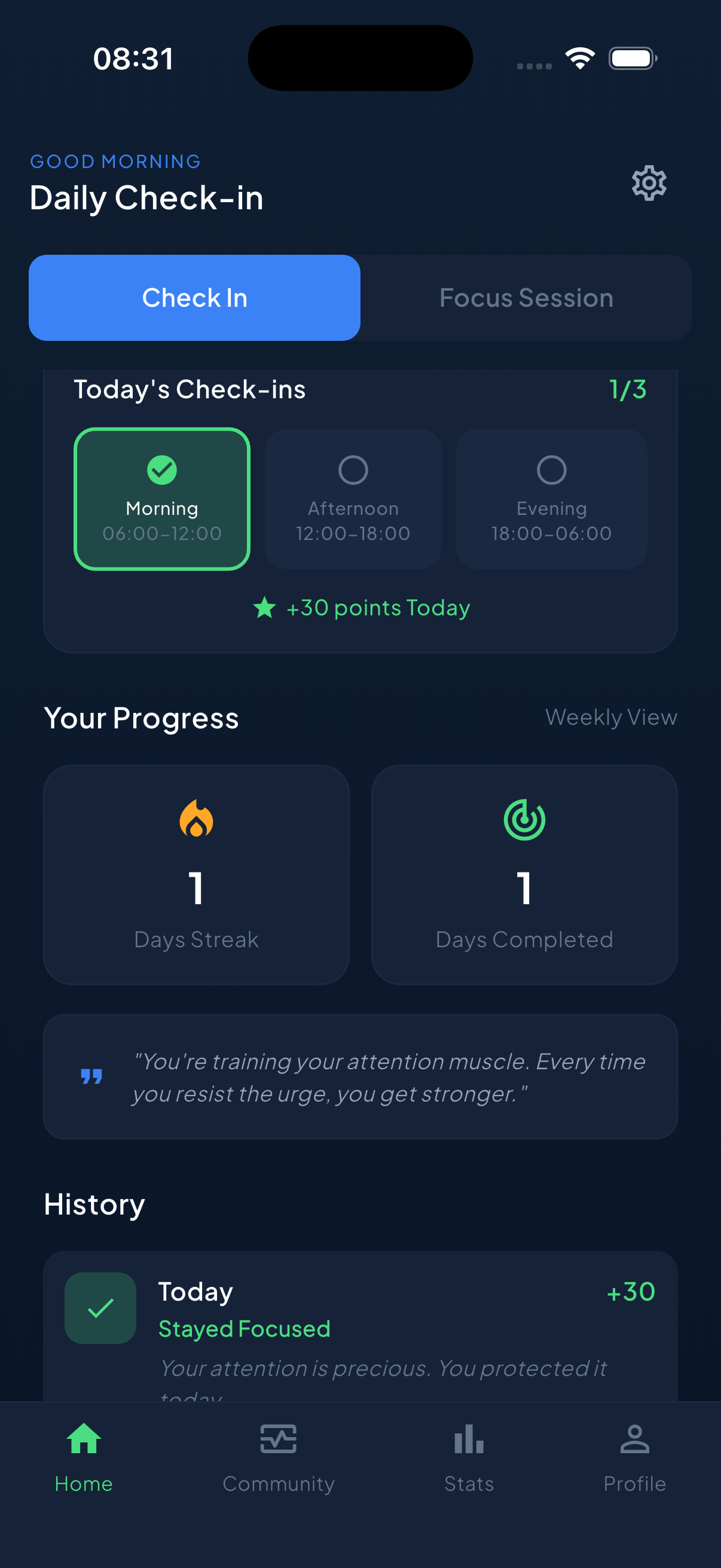
Check in daily, complete challenges, protect your focus. Your streak — on your phone, your watch, your widgets — becomes the habit that replaces scrolling.
Unscrol uses Apple's on-device Screen Time frameworks. Which apps you block, how long you use them, your usage stats — none of it ever reaches our servers. We couldn't sell your attention data even if we wanted to. That's the point.
Read the privacy policy →Unscrol is a screen time control and digital detox app for iPhone and Apple Watch. It blocks distracting apps using Apple's Screen Time technology, runs focus sessions that protect your study and work time, shows honest screen time reports, and uses streaks and challenges to make reducing screen time a habit that sticks.
Unscrol uses Apple's official Screen Time frameworks (Family Controls and Managed Settings). You pick the apps you want to block in a system picker, and iOS itself shields them during focus sessions or scheduled times. Because the blocking is enforced by the operating system, it's far harder to bypass than a simple reminder overlay.
Yes — Unscrol is free to download and use, including check-ins, streaks, screen time insights and focus sessions. Unscrol Pro unlocks premium features like Streak Saver and the full challenge catalog with a monthly or annual subscription.
No. Apple's Screen Time APIs are privacy-first by design: Unscrol only receives opaque tokens for the apps you select, never their names. Your usage statistics are processed on-device by iOS and are never sent to Unscrol's servers. We cannot see which apps you block or how long you use them.
Yes. Unscrol has a dedicated Apple Watch app showing your streak and focus progress, plus watch-face complications. On iPhone you also get Home Screen widgets, Lock Screen widgets, and a Live Activity countdown during focus sessions.
Most blockers stop at blocking. Unscrol combines system-level app blocking with the habit side: honest guess-vs-real screen time reveals, a unified daily streak, 45+ challenges, mood and urge tracking, a leaderboard, and Apple Watch support. It's designed to change the habit, not just interrupt it — and its Screen Time data never leaves your device.
That's one of its core use cases. Start a focus session before you study and your distraction apps are blocked for the duration — 25-minute pomodoros or multi-hour deep-work blocks. A Live Activity countdown on your Lock Screen shows the time remaining, and completed sessions count toward your daily streak.
A single missed day doesn't have to erase months of progress. Unscrol Pro includes Streak Saver, which can rescue one fully-missed day (up to twice a week). Two or more consecutive missed days can't be rescued — the streak stays honest.

Join thousands earning their time back. Download Unscrol free and start your first streak today.
Download Unscrol on the App Store